Why converting PNG to JPG can make a file bigger
Three self-created images, identical dimensions and JPEG quality 82: compare exact file sizes, enlarged details and downloadable originals.
Self-created synthetic sources · Node reference experiment · downloadable outputs
JPG was larger in two of our three cases
We compared three inputs at exactly 800 × 500 pixels. PNG was smaller for flat artwork and text with lines; JPG was smaller for the synthetic texture. A different extension alone did not guarantee a smaller file.
What did we compare?
The illustration contains broad flat regions and boundaries. The text sample has small drawn pixel letters and one-pixel rules on white. The third sample combines a gradient with deterministic noise (seed 20260927). It is not a camera photograph and should not be used to estimate compression savings for real photos. All three sources are opaque.
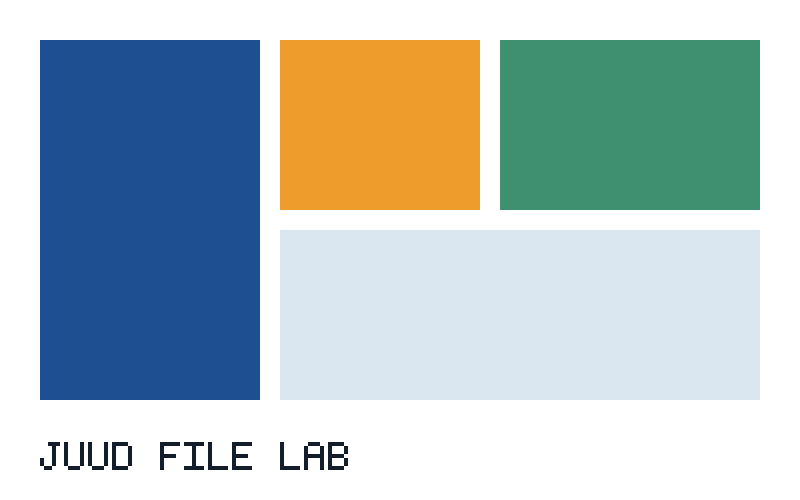
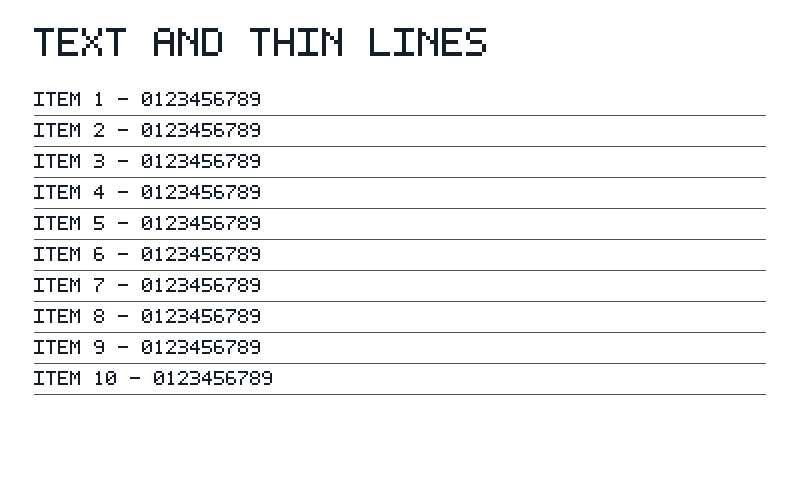
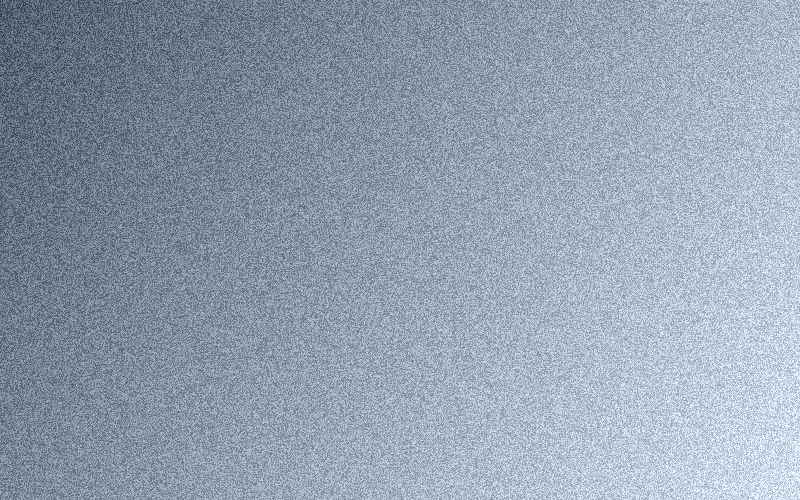
| Input | PNG | JPG | Change from PNG |
|---|---|---|---|
| Flat-colour illustration | 3,893 B | 8,640 B | +121.9% |
| Text and thin lines | 4,518 B | 39,114 B | +765.7% |
| Synthetic texture (not a photo) | 498,544 B | 159,031 B | -68.1% |
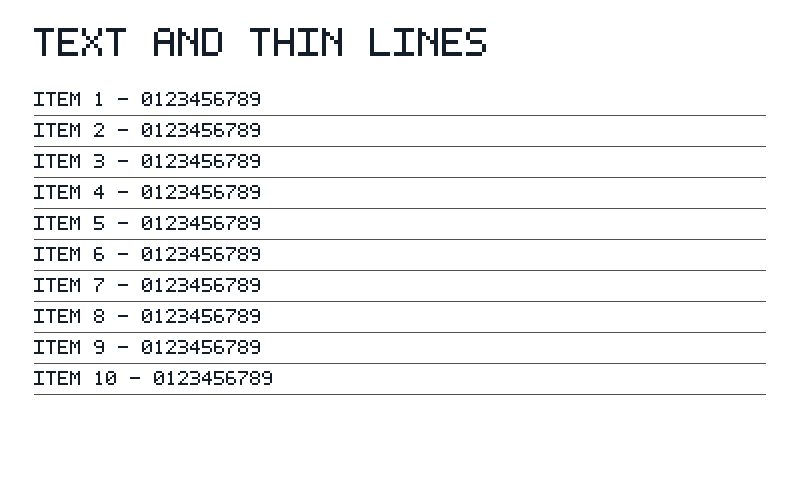
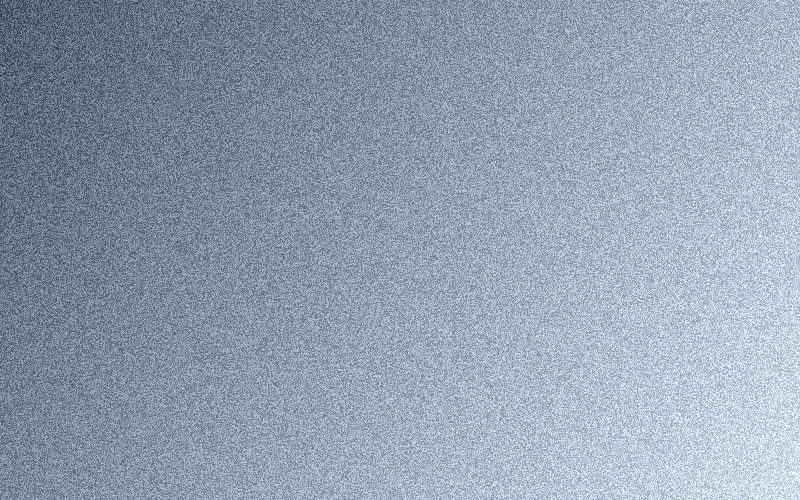
Change = (JPG bytes ÷ PNG bytes − 1) × 100. Positive means larger. A +765.7% increase means the text-and-lines JPG is about 8.7 times the original size, not 7.7 times.
Look at the text edges as well as the bytes
These are the same 250 × 160-pixel region enlarged three times with nearest-neighbour scaling. Compare the PNG background with the areas around letters and lines in the JPG. Inspect downloaded files at their intended display size as well as zoomed in.
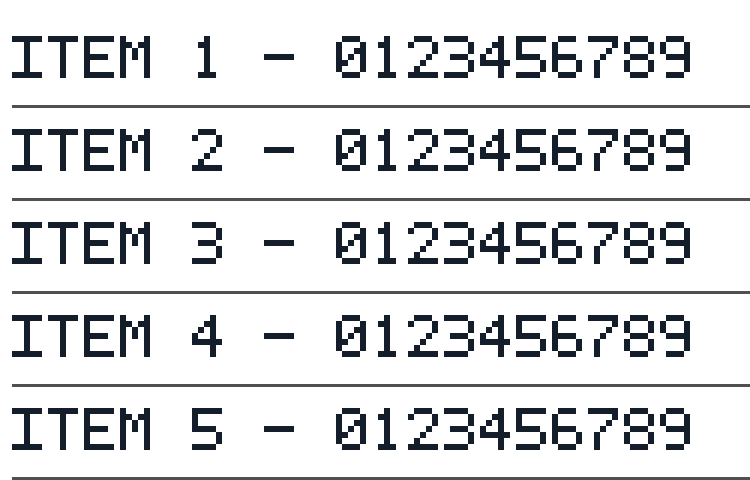
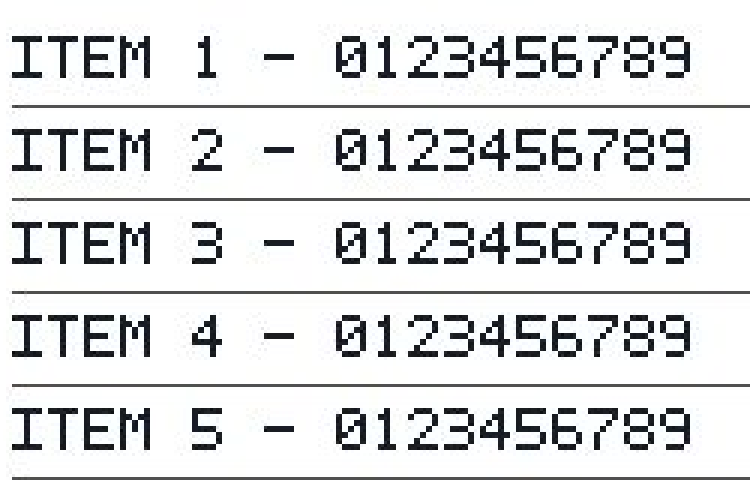
PNG stores these flat, repeated patterns efficiently without changing their pixels. JPEG approximates local image information, so the same quality setting can give very different sizes and edge appearance depending on the content. A JPG can be larger and still change the pixels around letters: more bytes do not automatically mean greater fidelity.
How to choose for your own file
- For logos, diagrams and screenshots, keep the PNG original and compare one JPG copy before processing a whole folder. Do not transfer these percentages to another image.
- If a destination accepts JPG only, conversion may still be necessary even when it increases size. Check format requirements separately from size limits.
- For a real photograph, measure a representative photo separately. Source resolution, encoder and quality all affect the result. Transparency was not part of this test and cannot be retained in JPG.
Compare your own file in PNG to JPG · Convert a batch after checking a sample
Check and reproduce the measurements
JUUD Apps generated these inputs from code on 27 September 2026, with no personal data. Every size is the actual number of bytes in the downloadable file. We use bytes to avoid differences between decimal kB and binary KiB in file managers.
The reference pipeline used Node 24.18.0, sharp 0.35.3 / libvips 8.18.3, and pdf-lib 1.17.1. PNG compression level: 9. JPEG quality: 82, chroma subsampling: 4:2:0. Resize filter: Lanczos3. A4 sizing, centred containment and 24-point margins match the tool's layout choices, but encoding takes place in Node. This is not a browser performance or compatibility test, and quality 82 in a browser need not produce these bytes.
- Download the originals and outputs. Check both their file properties and the visible result. Enlarged details expose existing pixels; they do not recover detail.
- Save the reproduction script in an empty folder. Run the two commands below with Node 22 or newer. Installation needs a network connection; the experiment itself reads no personal files or external sources.
- Compare the generated results/measurements.json with the published manifest. Use matching encoder and library versions. Platform or dependency differences may change bytes. Published SHA-256 hashes identify the exact files used in this article.
npm install sharp@0.35.3 pdf-lib@1.17.1
node reproduce.mjs ./results
Measurements, environment and file SHA-256Download reproduction code
These samples illustrate the measured cases. They do not represent phone photos, scanner documents, handwriting, Korean fonts, HDR or transparent images. We have not tested your file and cannot guarantee a target size or the readability of every character.
Found an error? Include the file name, the values you compared and your environment. Do not attach personal documents. Contact us for a correction