A smaller image PDF can cost you readable text
Two synthetic document pages, four measured PDFs and the same A4 margins: see when JPEG conversion and downsampling help or hurt.
Self-created synthetic sources · Node reference experiment · downloadable outputs
For these pages, keeping PNG was the better starting point
The PDF containing the two original PNGs was 54,206 bytes. Converting them to 600-pixel-wide JPGs first produced a larger 133,260-byte PDF. At 300 pixels, the PDF fell to 48,870 bytes, but far fewer pixels remained to represent small lettering. For a document image, converting to JPG and shrinking it need not be your first step.
The same two source pages, the same layout
We generated two synthetic 1200 × 1697-pixel document images with a hand-drawn 5 × 7 bitmap alphabet, numbers and fine table rules. They are not real receipts and contain no personal information. Small letters are 14 pixels high in the source. The samples do not simulate shadows, perspective, camera blur or normal font rendering.
Every PDF has two A4 pages (595.28 × 841.89 points), a minimum 24-point margin (about 8.5 mm), preserved image proportions and centred containment. One pair of margins is slightly wider because the aspect ratios differ. Page order and layout stay fixed; only image encoding and pixel width change.
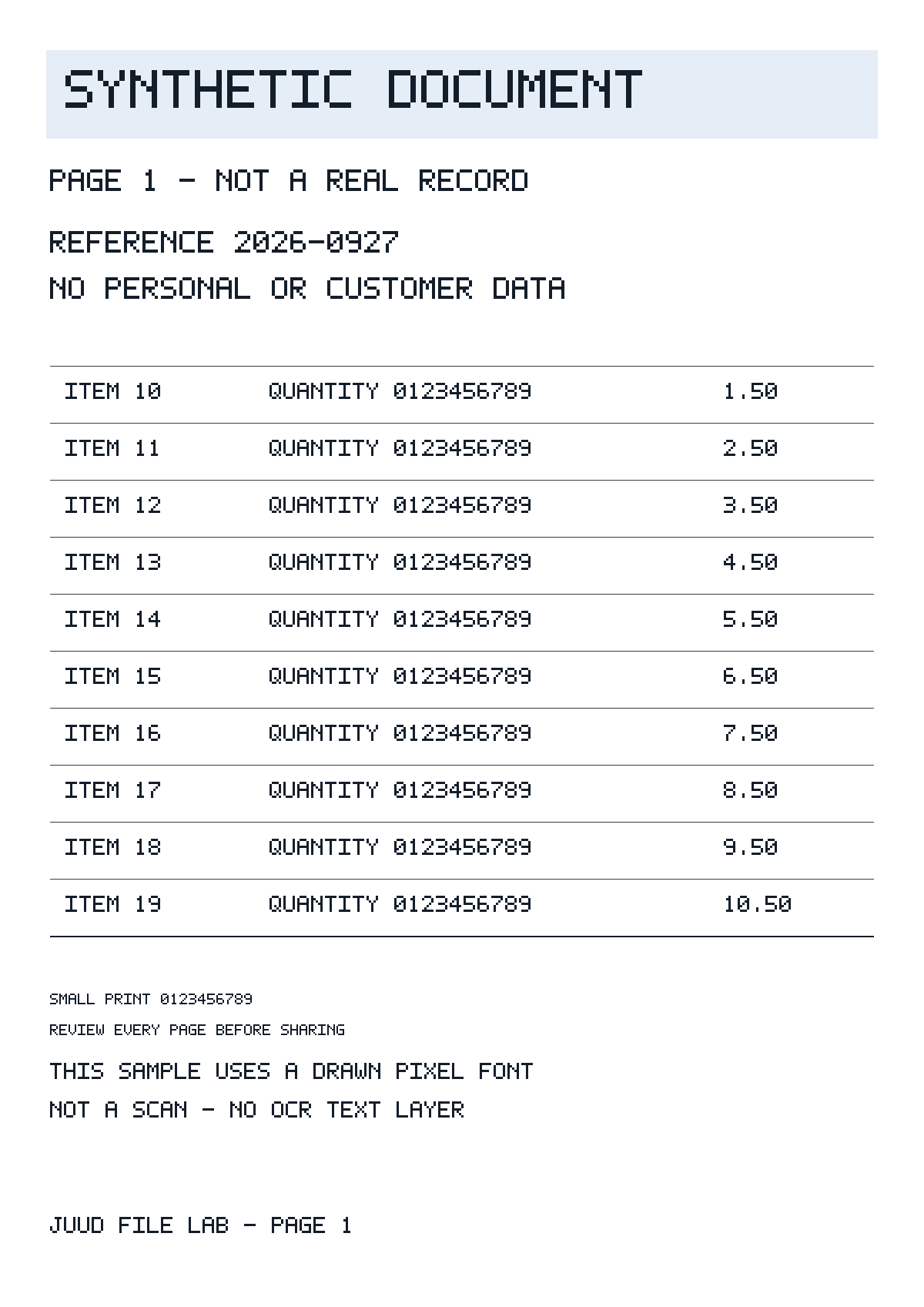
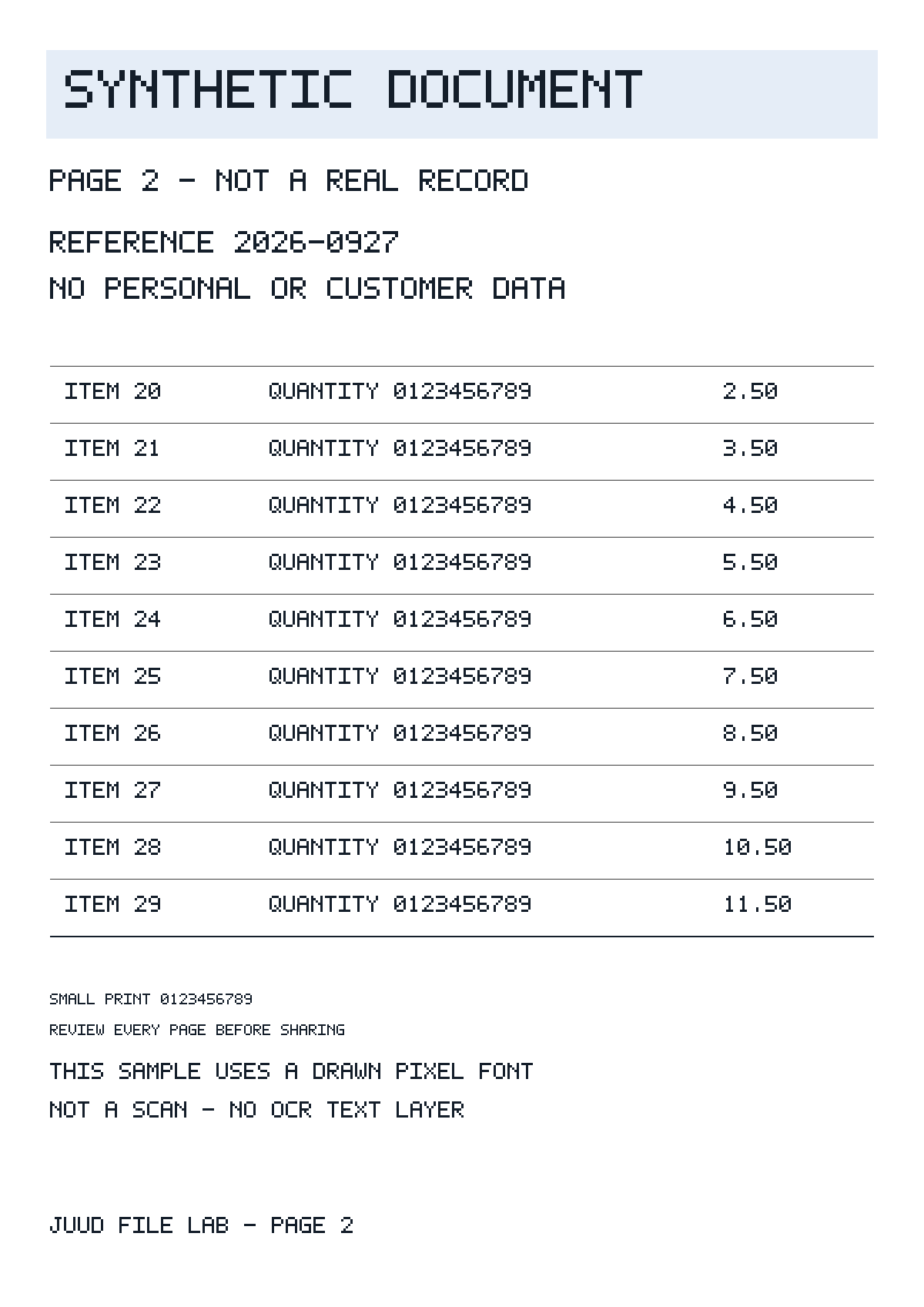
| Image setting | Pixels per image | Two images total | Download PDF |
|---|---|---|---|
| PNG original | 1200 × 1697 | 35,818 B | 54,206 B |
| JPG · 82 | 1200 × 1697 | 307,862 B | 309,323 B |
| JPG · 82 | 600 × 849 | 131,810 B | 133,260 B |
| JPG · 82 | 300 × 424 | 47,422 B | 48,870 B |
Image bytes and PDF bytes are different measurements. A PDF adds page and object structures, and PNGs are embedded as decoded image streams rather than simply attached as the original PNG files. Adding the PNG file sizes will not necessarily predict the PDF size.
What happens to the small lettering?
Below, the same small-print region from the first page is enlarged to the same display width. These are pixels from the images actually embedded in the PDFs, not PDF-viewer screenshots. A letter that starts 14 pixels high has about 7 pixels at 600-pixel width and only 3–4 at 300. Compare merged strokes and ambiguous digits against the original.




The 300-pixel PDF saves only 5,336 bytes, about 9.8%, compared with the original PNG PDF. For these pages, that is a small saving in exchange for much less information in tiny text. A document containing photographs may make PNG much larger. These two pages do not establish an optimal setting for every document.
A practical order for checking your PDF
- Make a PDF from the originals and check its actual size first. If it already meets the destination's limit, reducing it further may be unnecessary.
- If it exceeds the limit, compare one representative page while changing format or resolution one at a time. Keep page count, paper size and margins unchanged so the cause of the difference is clear.
- Reopen the saved PDF and check every page for clipping, order, the smallest lettering and digits. For a printed submission, inspect a page printed at its actual size. File size alone cannot establish legibility.
- This workflow creates image-only PDFs. It may not meet requirements for selectable text, search, screen-reader text or OCR. Check whether the original document can export a text PDF instead.
Check and reproduce the measurements
JUUD Apps generated these inputs from code on 27 September 2026, with no personal data. Every size is the actual number of bytes in the downloadable file. We use bytes to avoid differences between decimal kB and binary KiB in file managers.
The reference pipeline used Node 24.18.0, sharp 0.35.3 / libvips 8.18.3, and pdf-lib 1.17.1. PNG compression level: 9. JPEG quality: 82, chroma subsampling: 4:2:0. Resize filter: Lanczos3. A4 sizing, centred containment and 24-point margins match the tool's layout choices, but encoding takes place in Node. This is not a browser performance or compatibility test, and quality 82 in a browser need not produce these bytes.
- Download the originals and outputs. Check both their file properties and the visible result. Enlarged details expose existing pixels; they do not recover detail.
- Save the reproduction script in an empty folder. Run the two commands below with Node 22 or newer. Installation needs a network connection; the experiment itself reads no personal files or external sources.
- Compare the generated results/measurements.json with the published manifest. Use matching encoder and library versions. Platform or dependency differences may change bytes. Published SHA-256 hashes identify the exact files used in this article.
npm install sharp@0.35.3 pdf-lib@1.17.1
node reproduce.mjs ./results
Measurements, environment and file SHA-256Download reproduction code
These samples illustrate the measured cases. They do not represent phone photos, scanner documents, handwriting, Korean fonts, HDR or transparent images. We have not tested your file and cannot guarantee a target size or the readability of every character.
Found an error? Include the file name, the values you compared and your environment. Do not attach personal documents. Contact us for a correction